Standardize across room types
Use one configurable system across huddle rooms, conference rooms, boardrooms, training rooms, and specialty collaboration spaces.
Heckler Framework is now shipping — the modular AV system that replaces permanent millwork. Learn more

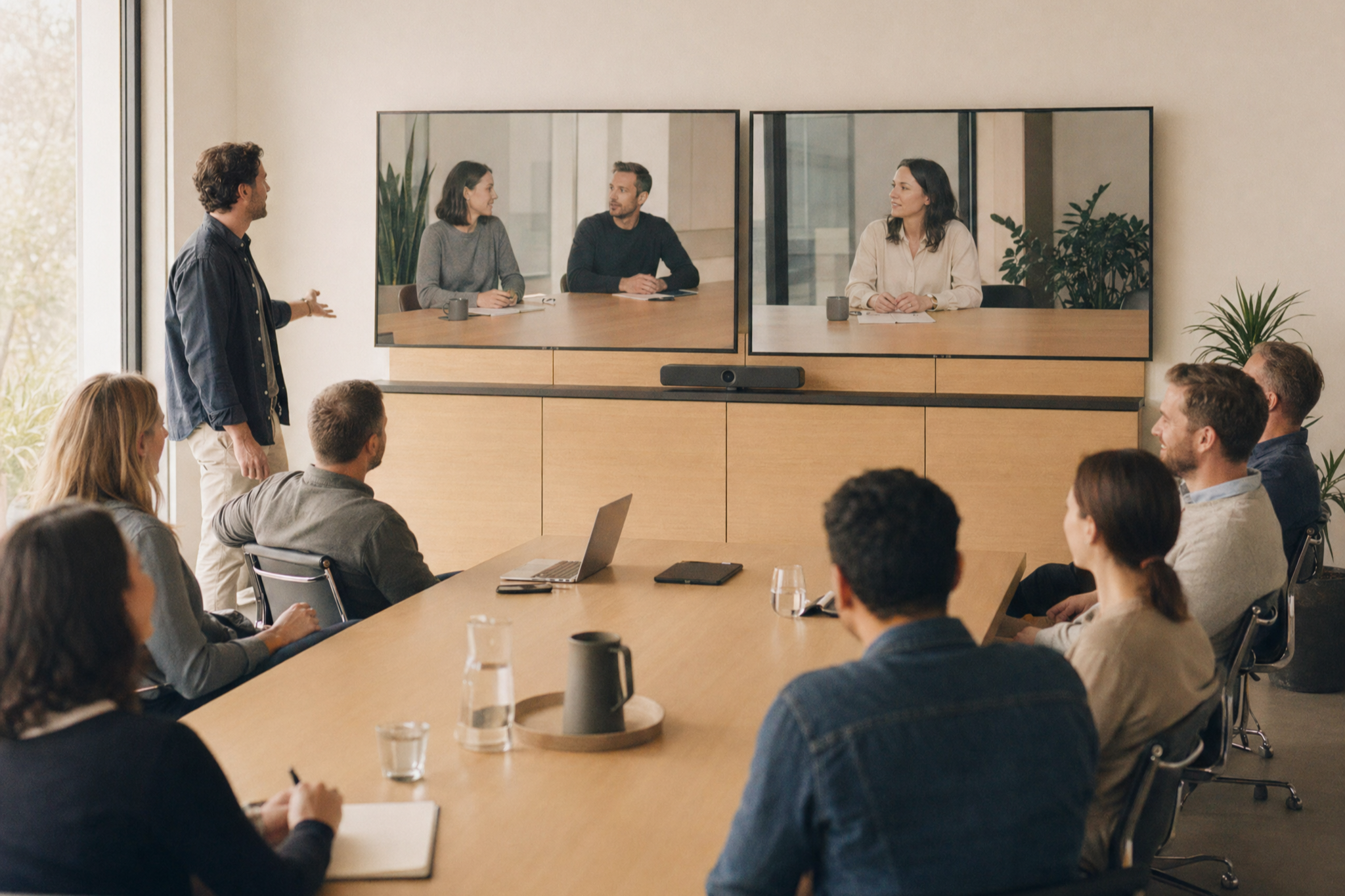
Heckler Framework is a modular, floor-supported AV wall system for displays, cameras, video bars, speakers, compute, control, cabling, and architectural finish panels. Configure clean, serviceable, ADA-conscious video meeting spaces that can scale from one room to a global standard.
Framework gives AV and workplace teams a repeatable front-of-room architecture. Instead of designing every room around custom millwork, reinforced walls, and field-built device locations, teams can configure a clean system around the display, technology stack, and finish intent.
Carries the system without making every project depend on wall reinforcement.
Organizes displays, cameras, video bars, speakers, compute, and control hardware.
Creates an architectural layer that can be installed late and removed later for service.
Keeps power, data, and signal routing accessible for commissioning and refreshes.
Use one configurable system across huddle rooms, conference rooms, boardrooms, training rooms, and specialty collaboration spaces.
Create a clean front-of-room experience with less reliance on wall reinforcement, custom millwork, and specialty construction timelines.
Mount, cable, access, and refresh AV devices without dismantling the room.
Choose acoustic PET felt, textile-wrapped Maharam finishes, or wood-look 3M DI-NOC panels to coordinate with workplace interiors.
Start with your display size, room type, and preferred device placement. The Framework Configurator is planned to generate a visual system, bill of materials, pricing, proposal-ready images, and a shareable link your team or dealer can use to continue the project.
Display, video bar or camera, speakers, compute, control, and finish panels.
Huddle roomCompact rooms where display height, cable paths, and device placement matter quickly.
BoardroomLarger displays, premium finish palettes, and carefully concealed technology.
Training roomLarge-format displays, hybrid learning equipment, and service access.
Bring your own displayStart from your display size, VESA pattern, and device stack.
Panels-only refreshRefresh the architectural layer without rebuilding the core system.
These room-based starting points help teams begin with a known system, then adapt display size, panel material, video device placement, and accessories before quoting.
Single display, video bar or camera, simple cable routing, clean panel set, and optional shelf.
Configure this roomDisplay, camera or video bar, speakers, compute and control mounting, serviceable panels, and shelf options.
Configure this room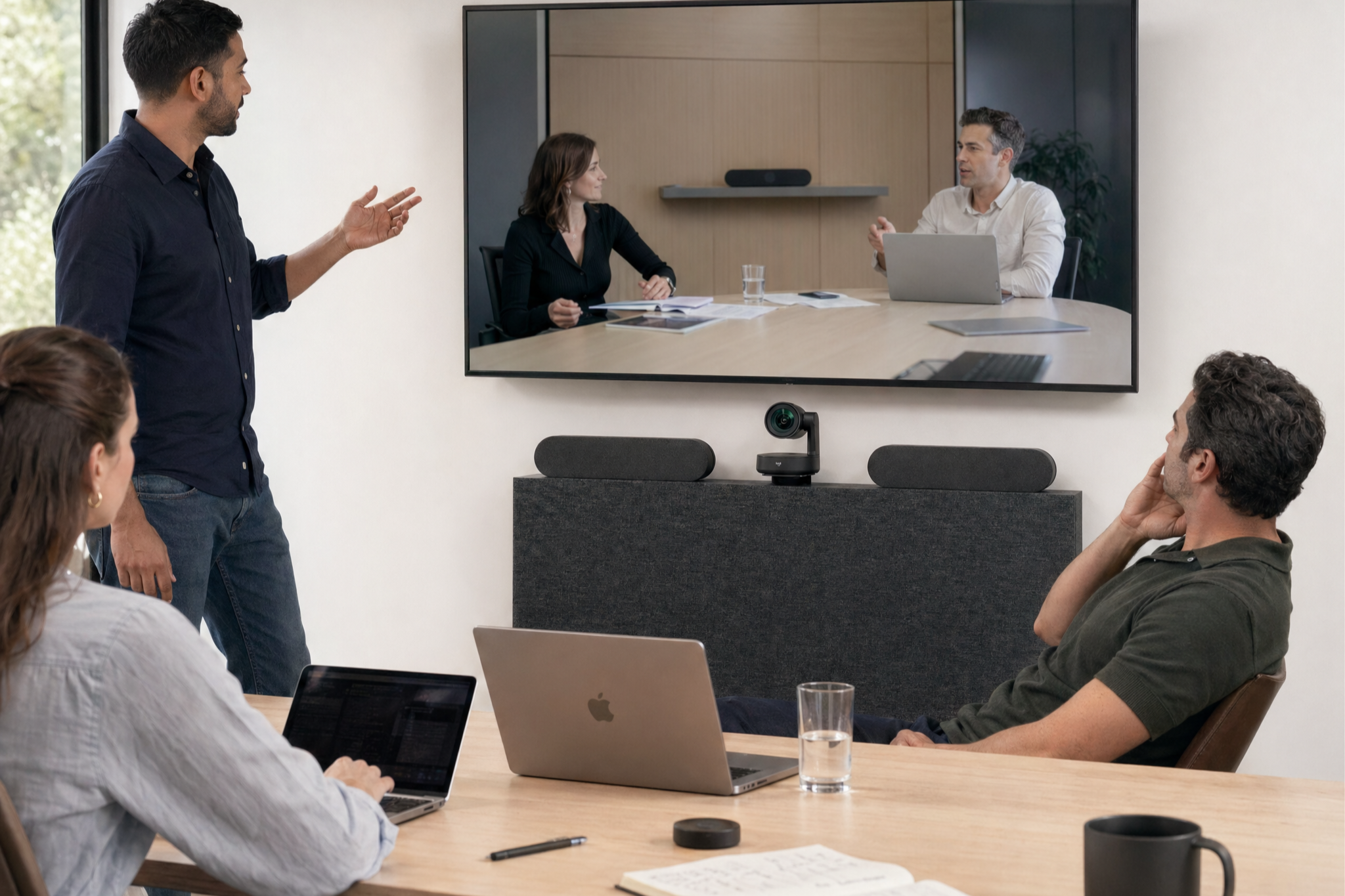
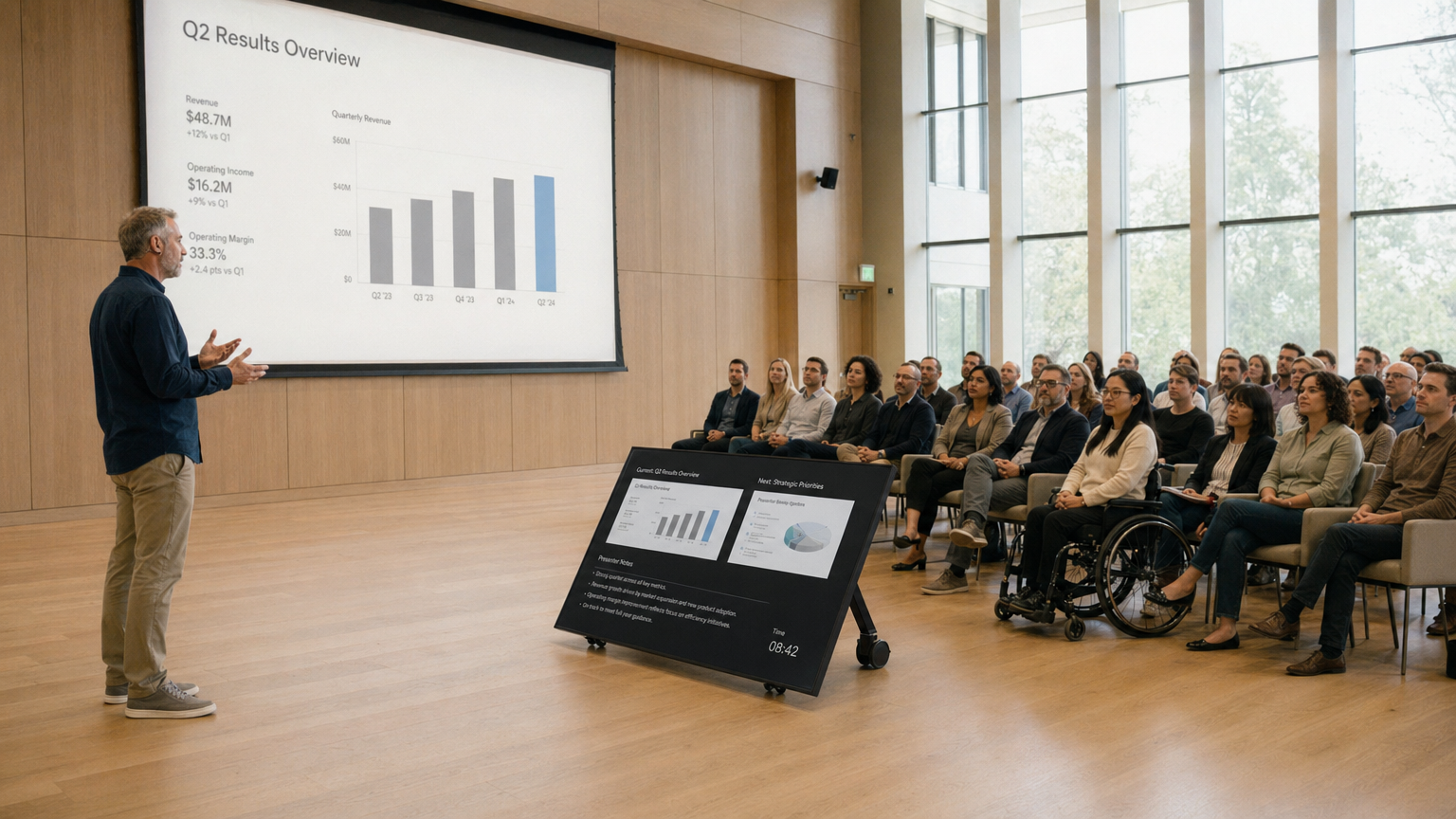
Larger display, premium panels, concealed devices, and a higher-finish material palette.
Configure this room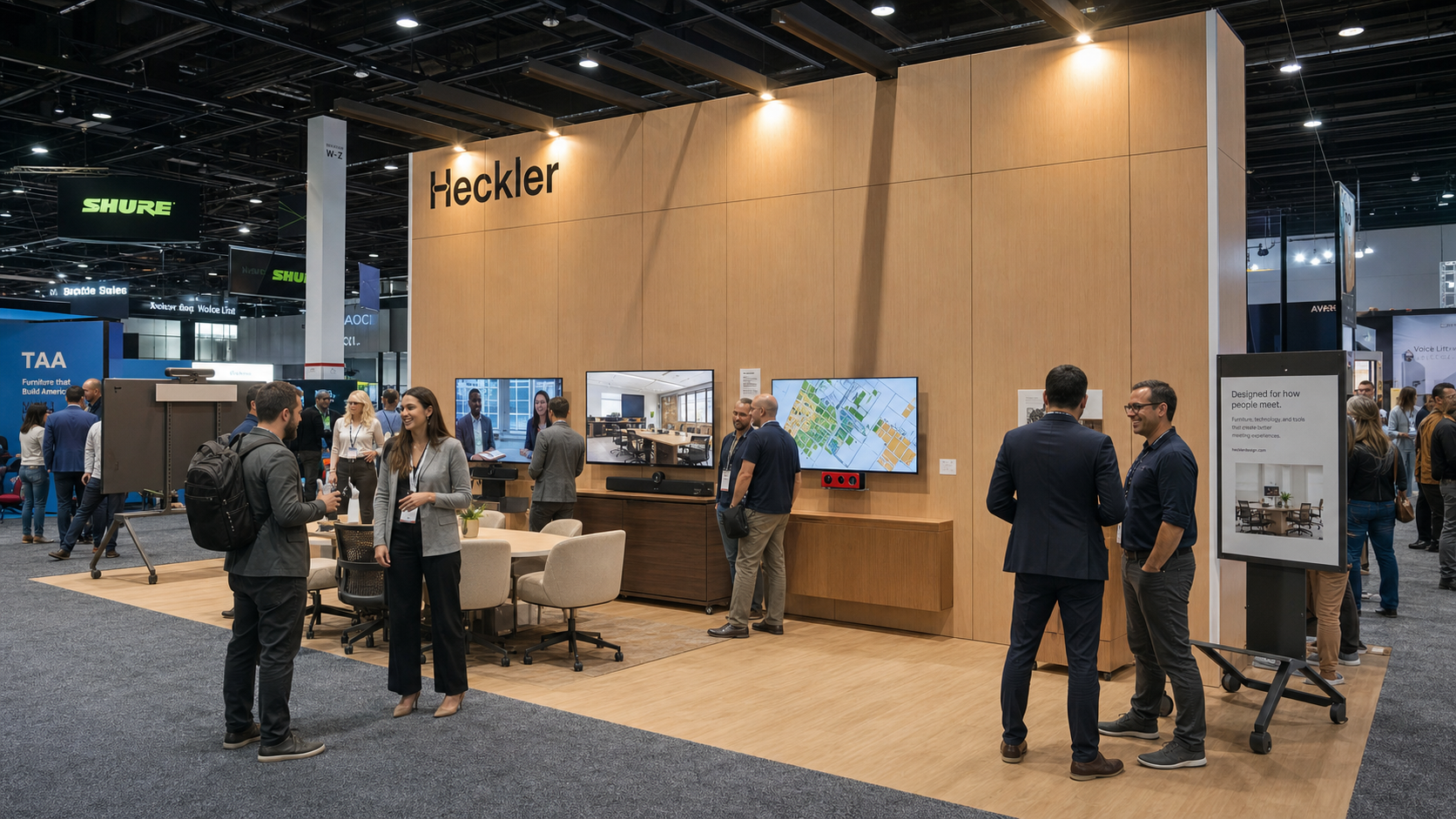
Large display or 21:9 display with camera, speaker, and hybrid learning equipment support.
Configure this roomSteel columns, beams, feet, anchoring options, and the floor-supported architecture that carries the system.
Mounting components for large-format 16:9 and 21:9 displays with VESA-aware placement.
Universal and device-specific mounting for cameras, video bars, speakers, compute, and control hardware.
Removable finish panels in PET felt, Maharam textile-wrapped finishes, and wood-look 3M DI-NOC.
Shelf options for accessories, devices, room objects, or visual balance.
Routing, concealment, and maintenance access designed for AV professionals.
Framework separates the serviceable AV infrastructure from the finished architectural layer. Integrators can mount, cable, test, and commission the system before the final panels go on. Later, panels remove without tools for service, device refreshes, and field changes.
Establish the floor-supported frame and confirm placement in the room.
Install the display, camera, video bar, speakers, compute, and control hardware.
Manage power, data, and signal paths before the visible finish layer is installed.
Test the complete video meeting system before final trim.
Protect visible finish surfaces until the room is ready for the architectural layer.
Remove panels later for AV service, device refreshes, and field changes.
Start with acoustic PET felt, step into Maharam textile-wrapped panels, or create a warm architectural look with 3M DI-NOC wood finishes in maple, white oak, and walnut.
Acoustic benefits, color flexibility, and an approachable architectural look.
Premium textile-wrapped panels for interiors-driven projects and executive rooms.
Warm architectural finish without custom millwork, including maple, white oak, and walnut directions.
Framework supports universal and device-specific mounting strategies for leading displays, cameras, video bars, speakers, compute, and control hardware. Refresh the technology over time without rebuilding the room.
16:9 and 21:9 display planning, including large-format configurations where appropriate.
Above-display and below-display placement strategies for common conferencing ecosystems.
Localized front-of-room gear, touch control, and room hardware placement.
Speaker, shelf, power, cable, and future accessory planning.
Framework is designed for the accessibility, durability, and procurement realities of enterprise, education, government, healthcare, and public-facing spaces. Compliance details should be confirmed for each configuration.
Framework gives global AV and workplace teams a repeatable physical standard for front-of-room systems. Configure a baseline, adapt it to local room conditions, share it with stakeholders, and use Heckler's dealer and distribution network to support rollout planning.
Framework resources should stay close to the product story: guides, drawings, BIM files, compatibility notes, finish data, proposal images, warranty documents, and installation support.
Step-by-step documents for installers and field teams.
Planning details for specifying and coordinating room layouts.
Model resources for architects, designers, and consultants.
Material, color, care, and maintenance details.
Device fit, mounting, and configuration guidance.
Future configuration-specific BOMs, images, and share links.
Start with a room, a display, or a device standard. Heckler Framework helps your team turn it into a clean, serviceable, repeatable video meeting system.